Music for Film and Television
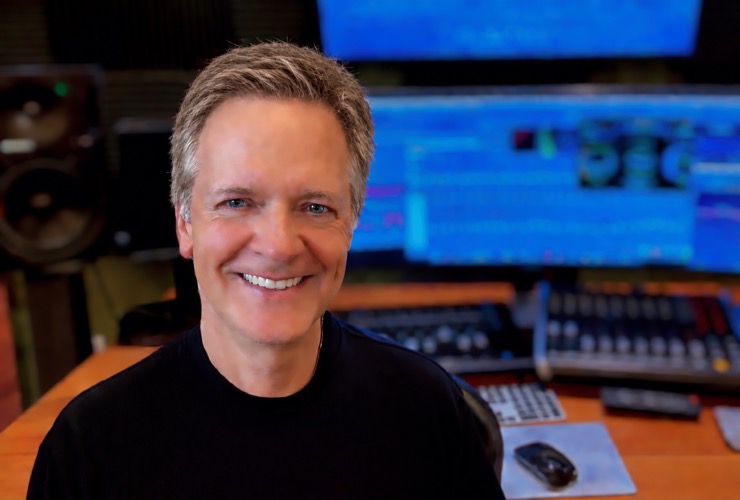
“For me it is all about the “emotional core” of a film, and that core will guide you to what the “tone” of the music should be, and finding that right tone is of paramount importance of any score."
David Williams has been recognized internationally as a trailblazer in the world of film and television scoring. His music transcends genre and fuses inspirations—both traditional and emerging—in support of filmmakers’ visions worldwide. David has scored over 60 feature and television films encompassing a wide range of styles and genres. Alongside his composing work, David is also a Pianist, Guitarist, performer, songwriter, and has written for commercials, documentaries, and trailer music.
He has worked with some of the biggest names in the industry including Francis Ford Coppola on the MGM film SUPERNOVA (Angela Bassett, James Spader). David recently scored the supernatural thriller THEY LIVE IN THE GREY starring Michelle Krusiec (HOLLYWOOD), and Ellen Wroe (THE PITT), Written and Directed by AMPAS Nicholl Screenwriting Award Winners The Vang Brothers.
Other films include Miramax's PHANTOMS (Ben Affleck, Liev Schreiber) Produced by Dean Koontz, Dimension's THE PROPHECY (Christopher Walken, Virginia Madsen, Viggo Mortensen) directed by Gregory Widen (BACKDRAFT, HIGHLANDER), the action feature MALONE (Thomas Jane, Elsa Pataky, Ving Rhames) Directed by Russell Mulcahy (HIGHLANDER) and Produced by Brian Oliver (BLACK SWAN), the IndieFest Award-Winning drama BROKEN MEMORIES produced by Gary Levinsohn (SAVING PRIVATE RYAN), the thriller FREEZER (Dylan McDermott, Peter Facinelli) directed by two-time Academy Award nominee and 8-time Emmy Winner Mikael Salomon (BAND OF BROTHERS) and Produced by Mark Manuel (HACKSAW RIDGE), Sony Pictures/MTV psychological thriller THE DORM, directed by Rachel Talalay (SHERLOCK), and produced by Michael Frislev and Chad Oakes (FX's FARGO), ABC-Disney's fantasy FALLEN (Paul Wesley, Tom Skerritt, Bryan Cranston), Paramount+ action feature NIGHT OF THE SICARIO starring Natasha Henstridge, A&E's historical drama BENEDICT ARNOLD (Aidan Quinn, Kelsey Grammer), Sony Pictures drama NO WAY BACK (Russell Crowe), the human trafficking drama UNBRIDLED Produced by Troy Buder (QUEEN OF KATWE), Sony Pictures romance ICE CASTLES, the WWII period drama CHRISTINA (Stephen Lang), the Award-winning drama MOONLIGHT SOUL, Voltage Pictures horror film BEDEVILED, FOX's military drama A GLIMPSE OF HELL (James Caan, Robert Sean Leonard), NBC/Universal's L.A. LAW: THE MOVIE, Produced by David Madden (RUNAWAY BRIDE), and many other films.
David graduated from Missouri State University with studies in composition and orchestration. He also did post-graduate work at North Texas University. David was awarded a private study fellowship with celebrated Oscar-winning composer John Corigliano (THE RED VIOLIN, ALTERED STATES). David is an ASCAP Award Winner and a member of the Society of Composers and Lyricists. He lives with his wife Diana and loyal studio pup Barry in Woodland Hills, California.